
Drag and drop an video
or browse to upload.

File must be MP4, WEBM and up to 100MB
Free to use
Remove hardcoded subtitles from MP4 or WEBM videos online. Let AI find caption areas automatically or paint a mask for precise control, then export an MP4 with audio.
Drag and drop an video
or browse to upload.
File must be MP4, WEBM and up to 100MB
Free to use
Choose an MP4 or WEBM video from your device to begin.
Let AI locate common subtitle areas, or paint over the captions when you need to define the repair region yourself.
Start subtitle removal, review the processed video, and download the result as an MP4 with its audio track.
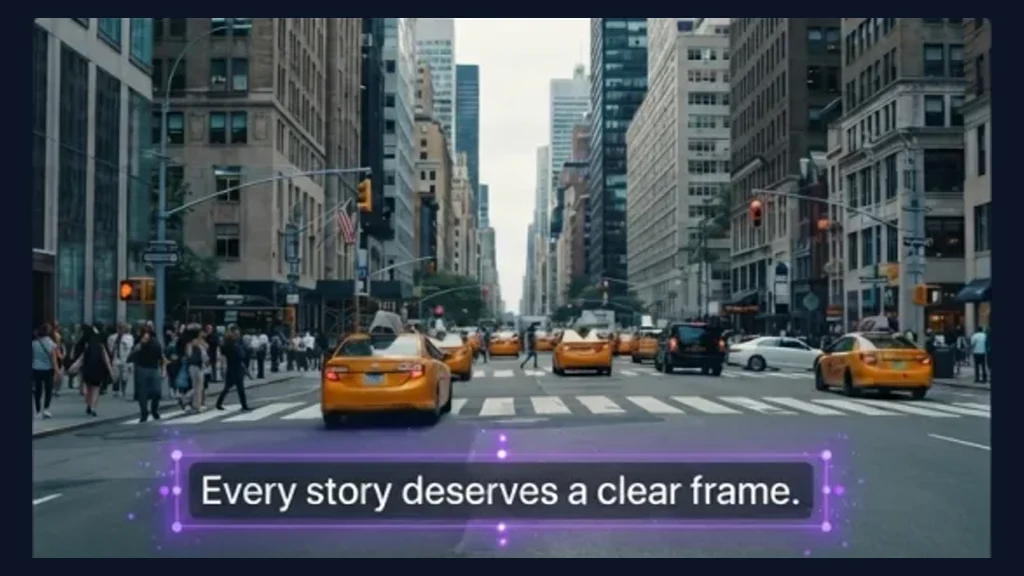
Choose Auto detect when subtitles appear in common caption positions. AI scans the video for hardcoded text regions as captions change, so you do not need to draw a separate mask for every line. It is a convenient starting point before previewing the processed result.
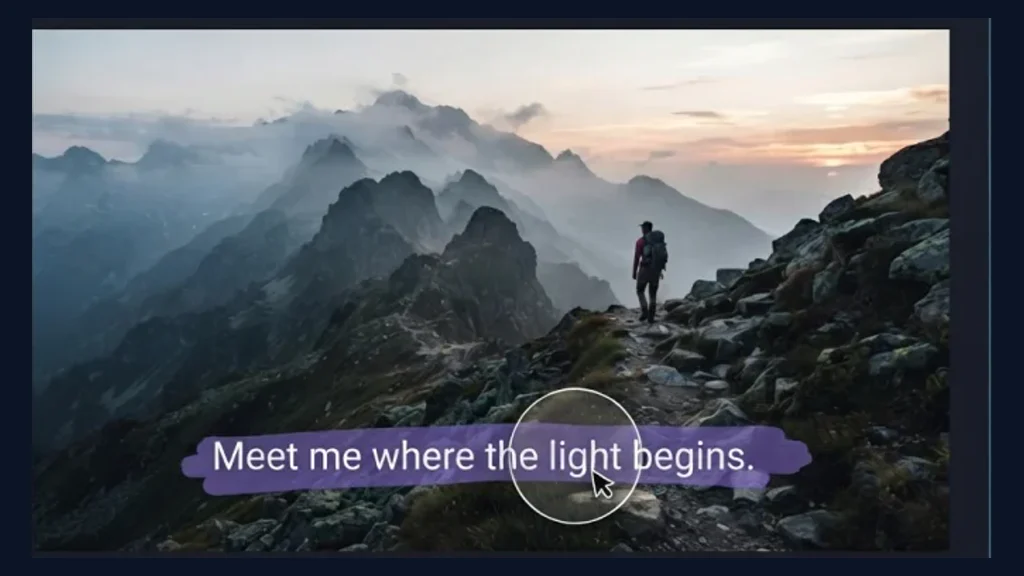
Use Manual mask when subtitles sit outside common positions, span multiple lines, or need tighter coverage. Paint over the text and nearby edges that should be reconstructed, then adjust the mask until the full caption area is included. This gives you direct control over which part of the frame is processed.
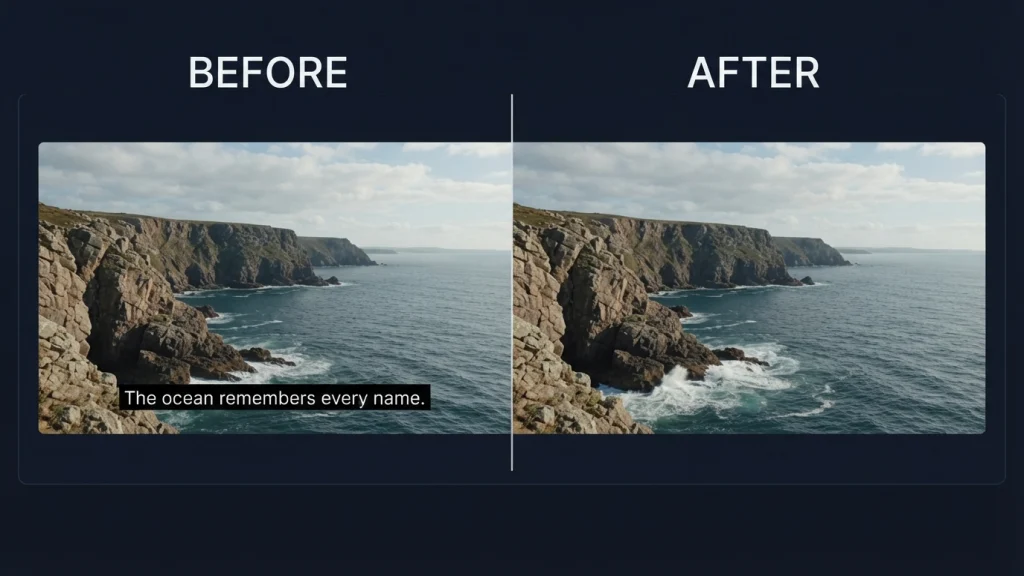
Hardcoded subtitles are embedded in the video pixels, so removing them requires rebuilding what appears behind the text. AI processes the selected area using visual information from the surrounding video frames to create a cleaner background. Results can vary with motion, scene detail, and caption size, so preview the output and refine the mask when needed.
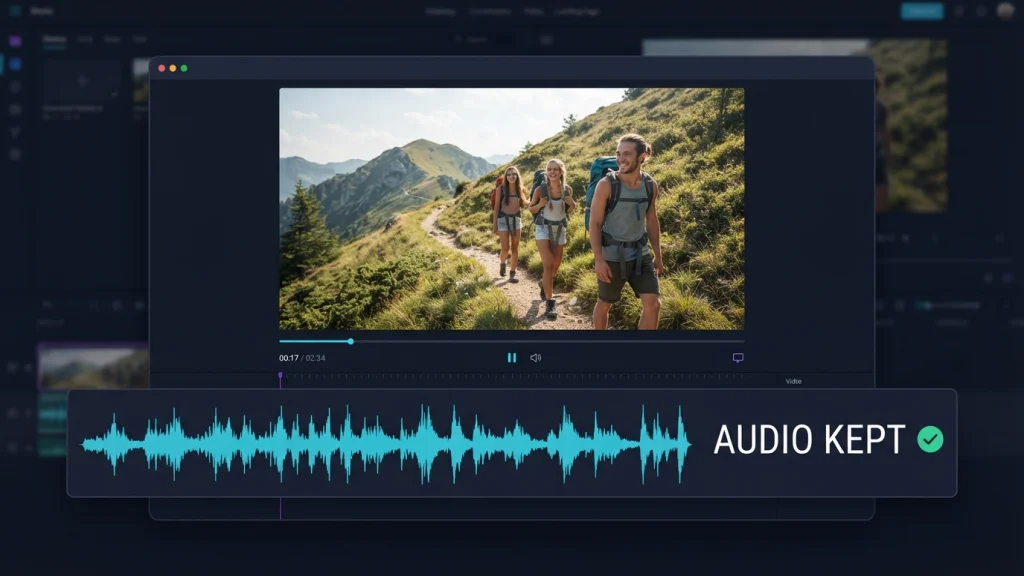
Subtitle removal targets the visible video frames rather than the audio track. When processing is complete, the result is exported as an MP4 while keeping the video's dialogue, music, and ambient sound. Preview the completed file to confirm the visual repair before downloading it.
Use automatic detection for common captions and a hand-painted mask when you want direct control over the repair area.
Upload, mark, process, preview, and download your video through one browser-based workflow.
The workflow is designed for captions already embedded in the video frames, including text that cannot simply be switched off.
Start with an MP4 or WEBM file and download the completed result in the widely supported MP4 format.
The completed video keeps its audio track while the selected subtitle pixels are processed.
Move from upload to subtitle removal and preview without switching between multiple editing tools.
Upload an MP4 or WEBM, choose automatic subtitle detection or paint a precise mask, and download the processed MP4 with audio.